Maintaining clean indoor air is essential for health, and your air purifier plays a vital role in this. However, without regular cleaning, its efficiency can plummet. This guide explains how to clean an air purifier effectively, ensuring it runs smoothly, extends its lifespan, and keeps your air fresh.
Why Cleaning Your Air Purifier Matters
Air purifiers trap dust, pollen, pet dander, and even microbes. Over time, these particles clog filters and internal components, leading to:
- Reduced airflow and filtration efficiency.
- Higher energy consumption as the motor works harder.
- Potential mold growth in damp filters, worsening air quality.
Regular cleaning prevents these issues, saving you money on replacements and energy bills while safeguarding your health.
Safety Precautions Before Cleaning
- Unplug the Device: Avoid electrical hazards.
- Wear Protective Gear: Use gloves and a mask to avoid inhaling allergens.
- Check the Manual: Follow manufacturer guidelines for specific components (e.g., washable vs. replaceable filters).
Also Read: The Ultimate Guide to Portable HEPA Air Purifiers for Cars
Step-by-Step Guide to Cleaning Your Air Purifier
1. Cleaning the Exterior
Dust and grime on the outer casing can block vents.
- Tools Needed: Microfiber cloth, mild detergent, water.
- Steps:
- Wipe surfaces with a dry cloth to remove loose dust.
- Dampen the cloth with a water-detergent mix for stubborn stains.
- Avoid harsh chemicals that could damage finishes.
2. Cleaning the Pre-Filter
The pre-filter captures large particles, protecting inner filters.
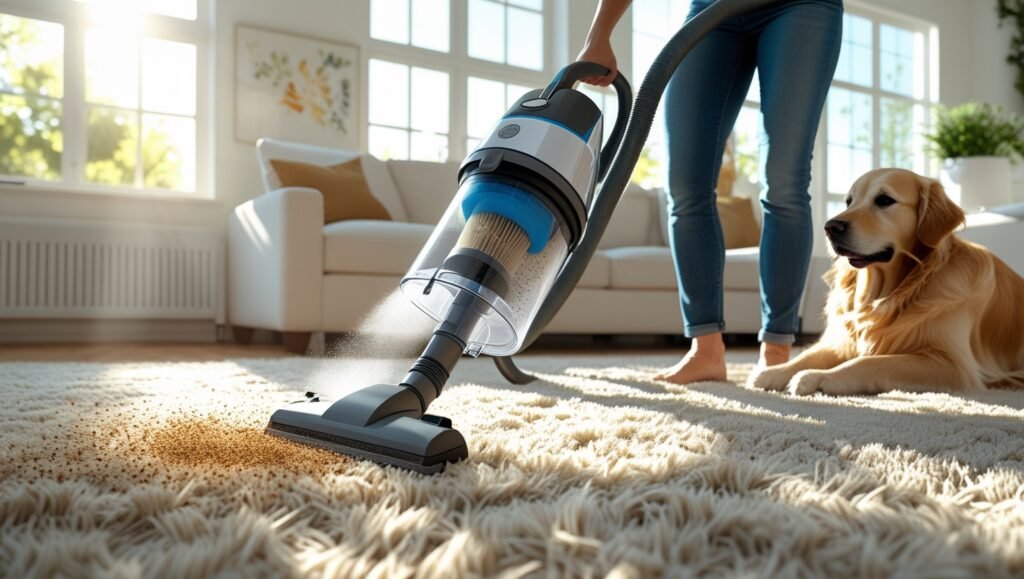
- Tools Needed: Vacuum with brush attachment, soapy water.
- Steps:
- Remove the pre-filter and vacuum both sides.
- If washable, rinse under lukewarm water. Air-dry completely before reinstalling.
3. Cleaning the HEPA Filter
HEPA filters trap 99.97% of microscopic particles. Not all are washable—check your manual.
- For Non-Washable HEPA Filters:
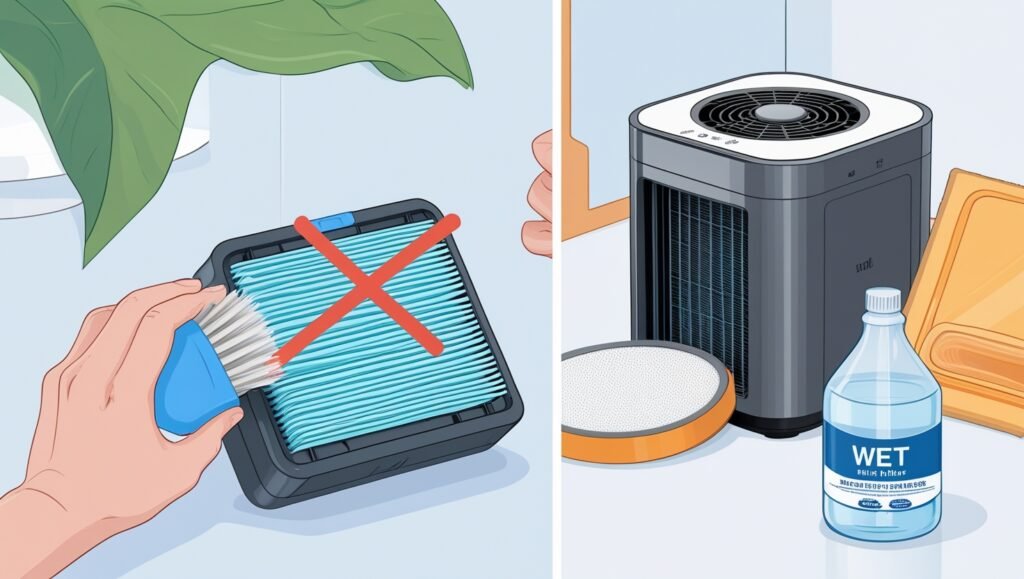
- Gently vacuum the surface to remove debris. Replace every 6–12 months.
- For Washable HEPA Filters:
- Rinse under water (avoid scrubbing). Let dry for 24+ hours to prevent mold.
4. Cleaning the Carbon Filter
Activated carbon filters absorb odors and gases. These cannot be washed but can sometimes be refreshed.
- Steps:
- Vacuum loose particles.
- Place in sunlight for 1–2 hours to reactivate absorption (check manual).
- Replace every 3–6 months.
5. Cleaning Internal Components
- Fan Blades: Use a cotton swab to remove dust.
- Sensors: Wipe gently with a dry cloth to ensure accurate air quality readings.
6. Drying and Reassembly
- Ensure all parts are bone-dry to prevent mold.
- Reassemble the unit carefully, following the manual.
Also Read: The Ultimate Guide to Portable HEPA Air Purifiers for Cars
How Often Should You Clean Your Air Purifier?
- Pre-Filters: Every 2–4 weeks.
- HEPA/Carbon Filters: Vacuum monthly; replace as recommended.
- Exterior: Wipe weekly.
- Full Deep Clean: Every 3–6 months, depending on usage.
When to Replace vs. Clean Filters
- Replace if:
- Filters are discolored or damaged.
- Odors persist after cleaning.
- The device’s “Replace Filter” light activates.
- Clean if:
- Filters are washable and mildly dirty.
Common Mistakes to Avoid
- Using Harsh Chemicals: Damages filters and emits fumes.
- Skipping Drying Time: Causes mold growth.
- Overcleaning: Wears out washable filters prematurely.
- Ignoring the Manual: Warranty voidance or component damage.
FAQ Section
Q: Can I wash a HEPA filter?
A: Only if specified as washable. Most are disposable.
Q: Can I use vinegar to clean my air purifier?
A: Yes, diluted vinegar works for exterior surfaces but avoid filters.
Q: How do I know if my filter is dirty?
A: Reduced airflow, lingering odors, or visible dust buildup.
Q: Can I run my air purifier without a filter?
A: No—this risks motor damage and voids warranties.
Conclusion
Learning how to clean an air purifier ensures it operates efficiently, purifies air effectively, and lasts longer. By following this guide, you’ll avoid costly mistakes and breathe easier knowing your device is in top shape. Regular maintenance is a small effort for a significant reward—cleaner, healthier air for you and your family.
Pro Tip: Set calendar reminders for filter checks to stay consistent!